
How to Transfer or Convert TM Load to GCash 2025 (Complete Guide)

When you register for a promo and top up your load, you often end up with some extra balance that just goes to waste since you can’t really use it for anything else. You’ll be glad to know that you can actually convert that remaining load back into GCash funds. This process used to be easily done through the GCash app itself.
However, after 2016, GCash removed the option to convert load within the app. The good news is that now, in 2025, we can once again convert Touch Mobile (TM) load to GCash using different third-party apps. One of these apps is Load2Cash, but it tends to be quite expensive.
TM SIM registration is mandatory in the Philippines — register your SIM today!
In this guide, you’ll learn complete, reliable, and cost-effective methods to convert TM load to GCash in 2025.




Important Details about how to Convert TM Load to GCash in the Philippines
| Features | Details |
| Current Services | Load2Cash, Palawan Express, GCash App |
| Conversion Fees | 5% to 10% of the load amount |
| Time Required | From 1–5 minutes to up to 24 hours |
| Load Conversion Limit | Typically ₱100–₱5,000 per transaction |
| Daily Conversion Limit | Up to ₱10,000 per day |
| Requirements | Active TM SIM and a verified GCash account |
| Common Methods | Third-party apps or peer-to-peer exchanges |
| User Base | Over 77 million GCash users as of 2023 |
| Growth Rate | 30% increase in load conversions year-on-year |
Transfer TM Load to GCash via the Load2Cash App.
Among the commonly used applications for converting SIM balance or load to GCash is Load2Cash. Here are a few important things you should know before the conversion of your load to GCash.
Load2Cash
This is an application meant for load conversion and works across TM, Globe, and Smart, among other SIM networks. You could experience conversion problems if your SIM is not registered. If you’re still experiencing the problem, then reach out to customer support.
Conversion fees
Load2Cash has charged 50% on the amount to be converted; an extra 12% is levied as a tax. That means you get only approximately 38% of the total that you have converted.
Example: If you convert an amount of ₱100, the Load2Cash app will take ₱50 of that plus a ₱12 tax; hence, you will only receive ₱38.
Conversion Time
All the requests are picked up for processing on the 20th of every month. So if you place a request on May 20, then that would be processed on June 20, meaning about a month.
The most important disadvantages of the Load2Cash app are that it is very time-consuming and quite expensive, too. You only get 38% of the total amount, and that too after a whole month. Because of these reasons, Load2Cash cannot be considered the best app for load conversions.
Conversion of TM Load Into GCash Via Load to Cash App
The Load2Cash is another option to convert TM load back into cash. This app has its own rules and regulations. Below are all the details of the app.
Conversion fees
Load2Cash charges both parties. That is, both the SIM user and the company are charged. If you want to convert ₱450 into cash, you’ll need to spend ₱670 in load. From this, ₱70 is taken as a carrier fee and ₱250 as a gateway fee.
Conversion Time
With the Load2Cash app, it will take two days in total to process your request. Once the conversion is complete, you can request a cashout by selecting your preferred outlet: GCash, PayMaya, Coins.ph, BDO, or BPI, and stating your account number.
Conversion of Load via Load to Cash App Steps
Follow the steps below to convert TM load to GCash using the Load2Cash app:
- First, download the app from the Play Store.
- If you are a new user, register your account. If you already have an account, choose the login option and sign in.
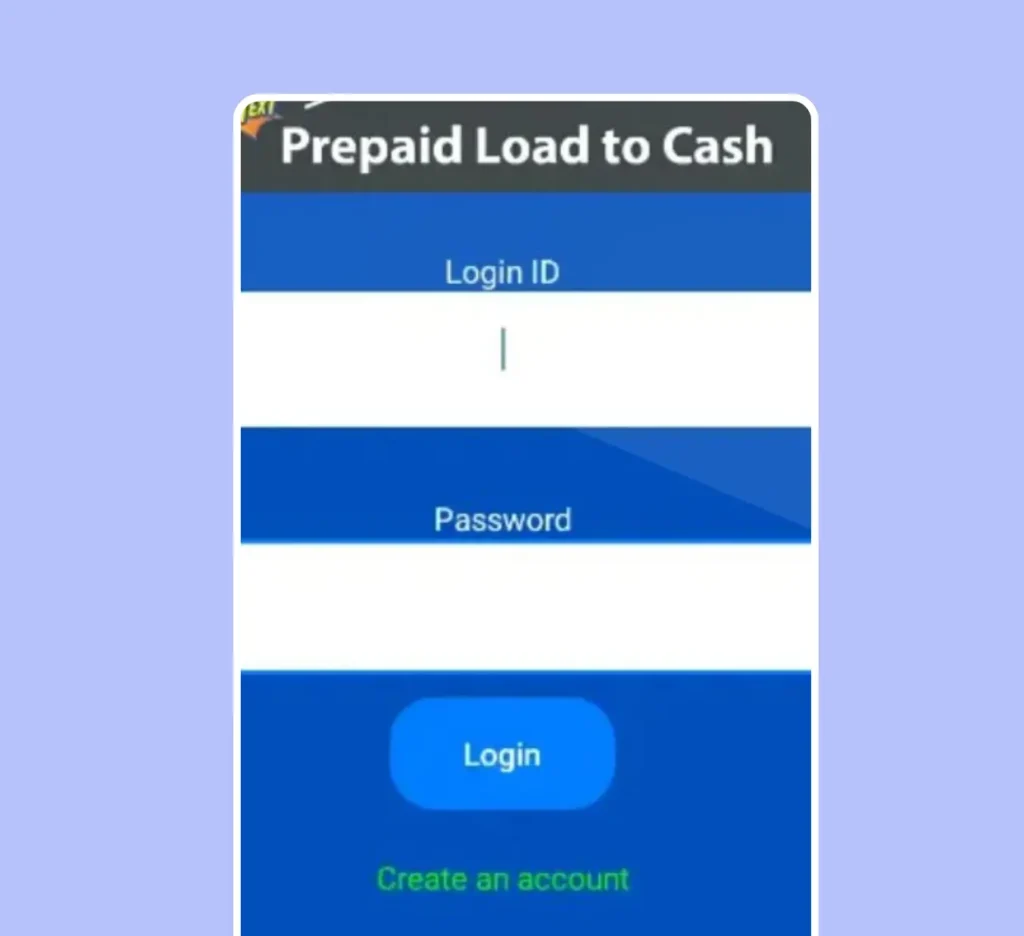
- On the homepage, tap the Convert button to start converting your load. Select either regular or continuous conversion.
- Choose the amount you want to convert into cash.
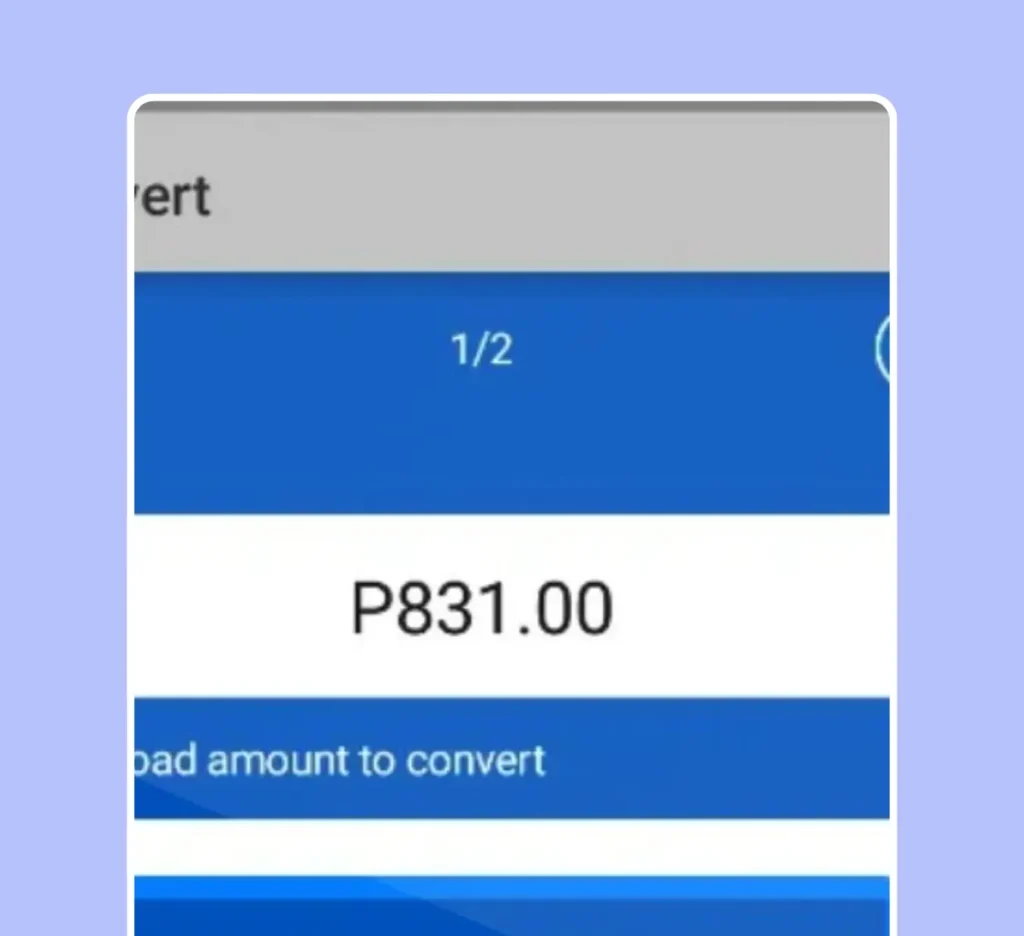
- Simply tap the Convert button to complete your transaction.
- You will receive updates from the app once your load has been converted to cash. You can also check your transaction details within the app.
- To withdraw your cash, go to the Cashout options.
- Choose your preferred cashout method from the following:
- GCash
- PayMaya
- Bank transfer
- Enter all the required account details.
- Click the Submit button to finalize your withdrawal request.
How to Transfer Regular Load into GCash
Here is a step-by-step guide to turning your regular TM load into GCash funds.
- Download the GCash app from the Google Play Store.
- Open the app and sign up for a new account
- Tap the Convert button on the GCash app’s home screen.
- Select the amount of load you want to convert.
- Confirm the conversion to finalize your transaction.
- Move to the Cashout section of the app.
- Pick your preferred cash-out method, such as Cebuana Lhuillier or Palawan Express.
- Provide all necessary information accurately, making sure to include your full name.
- Now, type in the amount you want to transfer to your GCash account.
Congratulations, Your regular load has been successfully set for conversion.
Once you submit the conversion request, you will receive a reference number. This number is used to track your payment status. The app will also provide a payment date, and you can collect your payment on the date specified. You can check their transaction history in the app by going to the Transactions tab.
There, you can view important details such as the transaction ID, transaction amount, and the status of your conversion. You also have the option to update their personal information within the app. You can review and edit details such as your name, contact number, and email address.
TM loads into cash through FB money exchangers.
Another way to convert TM Load to GCash your load into GCash is to find a money exchanger or a reliable trader on Facebook. Simply type “Load to GCash” in the search bar, and you will find many pages offering to convert your load into GCash. Different groups have been created for this purpose, and you can join any of those groups.
You should also keep in mind that scammers are present everywhere on Facebook. Therefore, you should choose a trusted page and check its reviews to avoid scams. Read the comments, ask questions, and request proof of transactions before trusting a trader with your prepaid load.
Sell Your Prepaid Load for Cash
You can convert TM load to GCash the traditional way by selling your prepaid load to someone who is able to pay through GCash. This method is straightforward and requires no extra apps—just find someone who needs a load and is willing to pay you via GCash.
The only downside is you have to find a buyer on the same network who has a GCash account. To make your sale enticing, you can sell your ₱100 load for around ₱80 so they will have a reason to buy from you instead of going directly to the GCash app. Once they come to an agreement with you, you can either send the load first or receive the payment first, whichever both parties think is most convenient and trustworthy.
Pros and Cons
| Pros | Cons |
| Maximize Unused Load | High Conversion Fees |
| Instant Cash Conversion | Additional Taxes Applied |
| Multiple Cash-Out Options | Long Processing Time |
| Safe and Secure Transactions | Limited Conversion Options |
| Trackable Transaction History | Risk of Scams (especially on Facebook) |
| Budget Flexibility | |
| No Need for Physical Visits |
FAQs
Conclusion
Convert TM load to GCash in 2025 is possible through Load2Cash, peer-to-peer exchange, or the use of trusted Facebook money traders. Each has its own fee, processing time, and potential risks; hence, availing oneself of these services calls for careful deliberation. Of course, there’s still the old-fashioned way of selling your load directly to someone with a GCash account-a more reliable way.
This was the easiest and quickest method for me: selling my TM load directly to a friend with a GCash account. By giving him a small discount, the deal became enticing. Of course, the payment was immediate once the load was transferred. Third-party apps are useful but often feel costly and slow; hence, peer-to-peer exchanges are more viable.

