
SIM Registration OTP Not Received? Complete Troubleshooting Guide

Not receiving an OTP during SIM registration is a common issue faced by many users. This problem can delay your registration and cause unnecessary frustration, especially when the deadline is near. The good news is that most OTP issues are easy to fix if you understand the root cause.
In this guide, I’ll explain why OTP is not received during SIM registration and share practical solutions based on real experience. These methods work for most TM, Globe, and other prepaid SIM users.
Why You Don’t Receive OTP During SIM Registration
An OTP is sent through the mobile network, so any issue related to signal, SIM placement, phone settings, or browser problems can block it. In many cases, the problem is not the website but your device or network environment.
Let’s break down the most effective solutions one by one.

















1 Restart Your Phone and Reseat the SIM Card
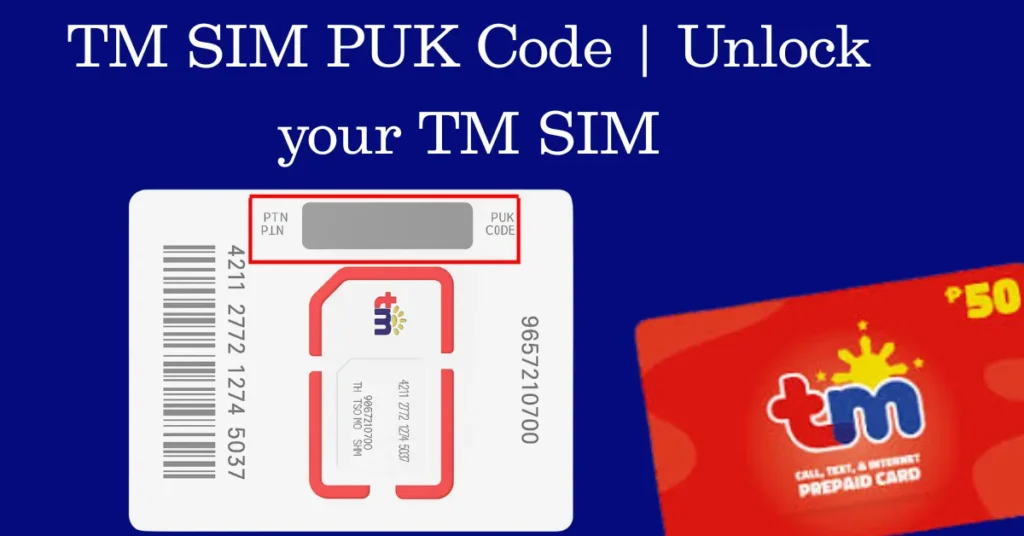
If your phone shows no signal or unstable network, start by turning it off completely. Remove the SIM card and carefully check whether it is inserted properly.
Clean the SIM gently and inspect the SIM tray for dust or blockage. A poorly seated SIM can prevent your phone from connecting to the network, which means the OTP will never arrive.
2 Move to an Area With Strong Network Signal
Weak signal strength is one of the most common reasons for OTP failure. Even if your phone shows some bars, the signal may not be strong enough to receive messages.
Try moving outdoors or to a different location where network coverage is better. Once the signal improves, request the OTP again during SIM registration.
3 Select the Correct APN (Prepaid Only)
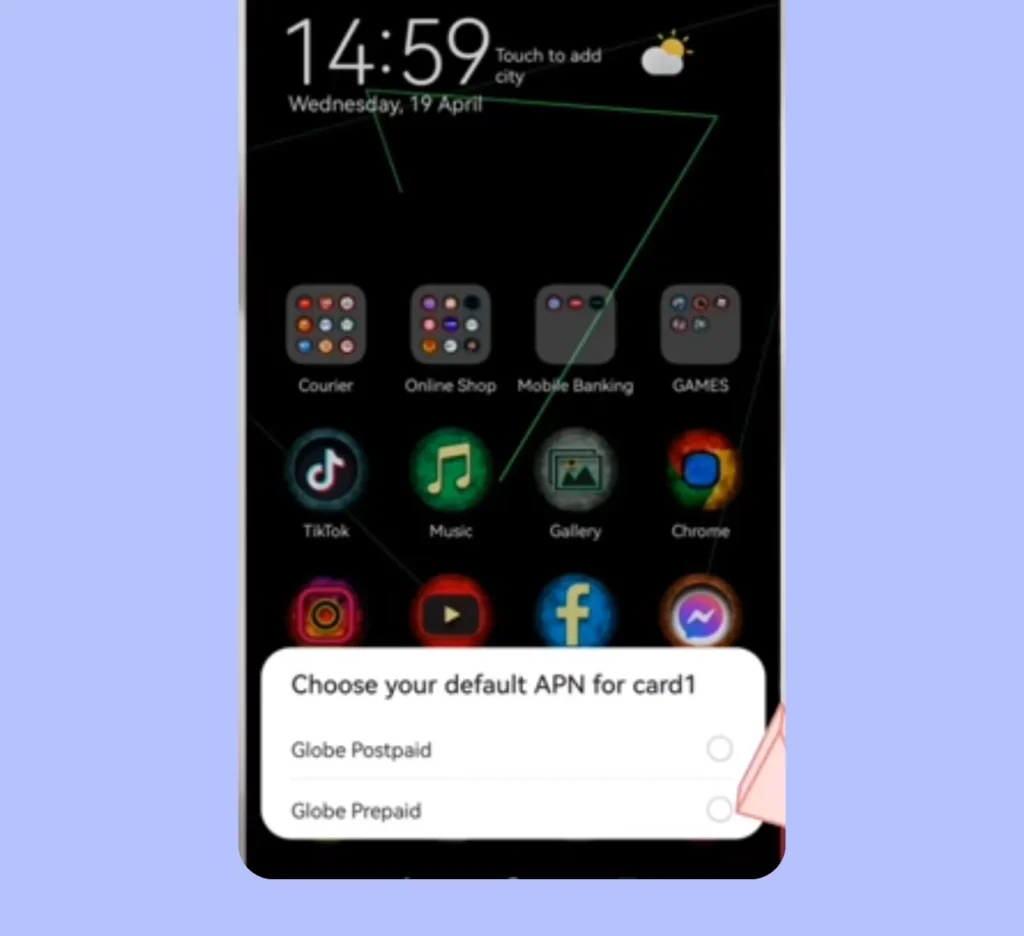
When inserting a new SIM, your phone may ask you to select an APN option such as prepaid or postpaid. Always choose prepaid, for example Globe Prepaid.
Selecting the wrong option can completely block your network access. This issue personally happened to me, and choosing prepaid immediately restored the signal and allowed OTP messages to arrive.
4 Check SMS App Notification Settings
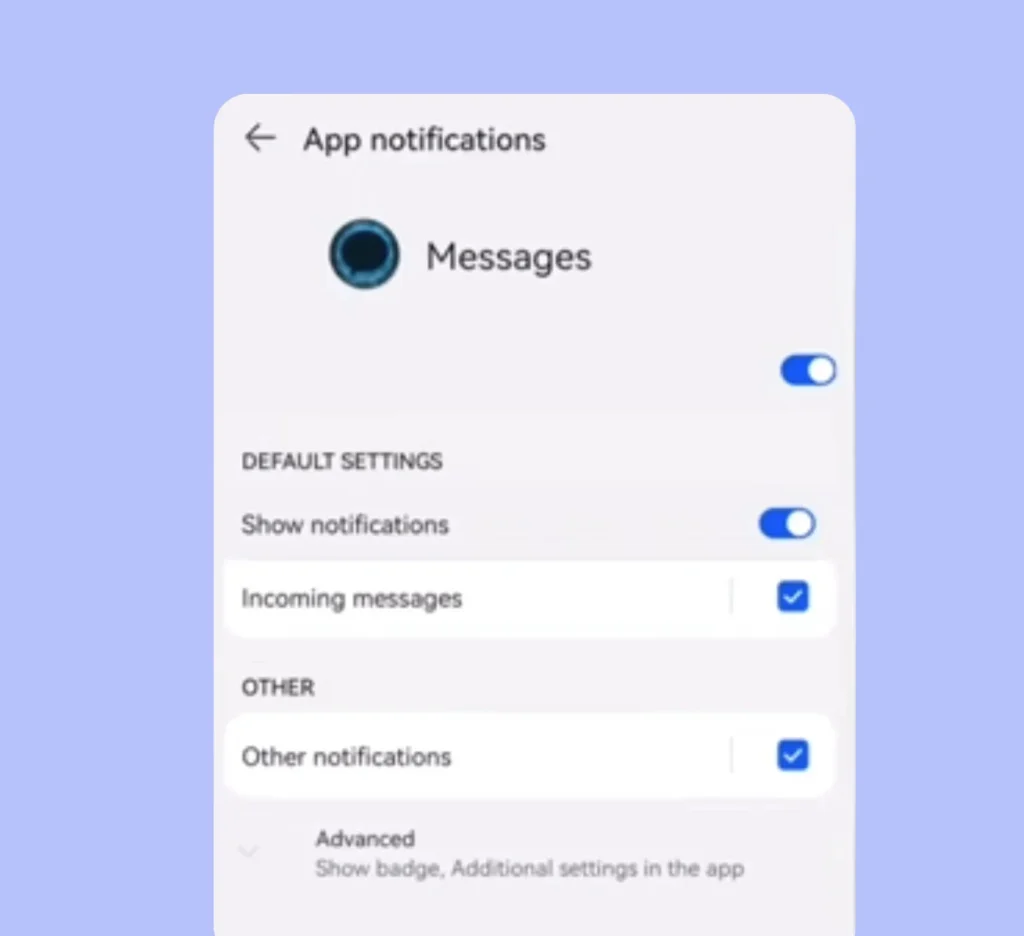
Sometimes the OTP is sent, but you never see it because message notifications are disabled. Open your messaging app settings and confirm that notifications are enabled and not blocked.
Also, check if your SMS inbox is full or filtered. Clearing space and allowing notifications can instantly fix the issue.
5 Update or Change Your Browser
An outdated browser may cause issues while requesting the OTP from the registration website. Make sure your browser is updated to the latest version.
If the problem continues, switch to another browser such as Chrome, Firefox, or Edge. This simple step often resolves OTP delivery errors.
6 Use the Resend OTP Option Carefully
Most SIM registration portals allow you to resend the OTP if it doesn’t arrive the first time. Wait a few minutes before requesting again to avoid server delays.
Repeated requests within seconds can sometimes block OTP delivery temporarily, so patience is key here.
7 Register Using Another Trusted Phone
If everything looks fine but the OTP still doesn’t arrive, try completing the registration using another trusted phone. You don’t need to insert your SIM into that device.
SIM registration is done online, so you only need access to the website. Using a family member’s or partner’s phone can help bypass device-related issues.
Frequently Asked Questions
Final Thoughts
OTP issues during SIM registration are frustrating, but they are rarely permanent. By checking your SIM placement, improving signal strength, selecting the correct APN, and fixing phone or browser settings, you can solve the problem step by step.
If this guide helped you, proceed with your SIM registration again and follow each solution carefully. A smooth registration is just a few fixes away.


